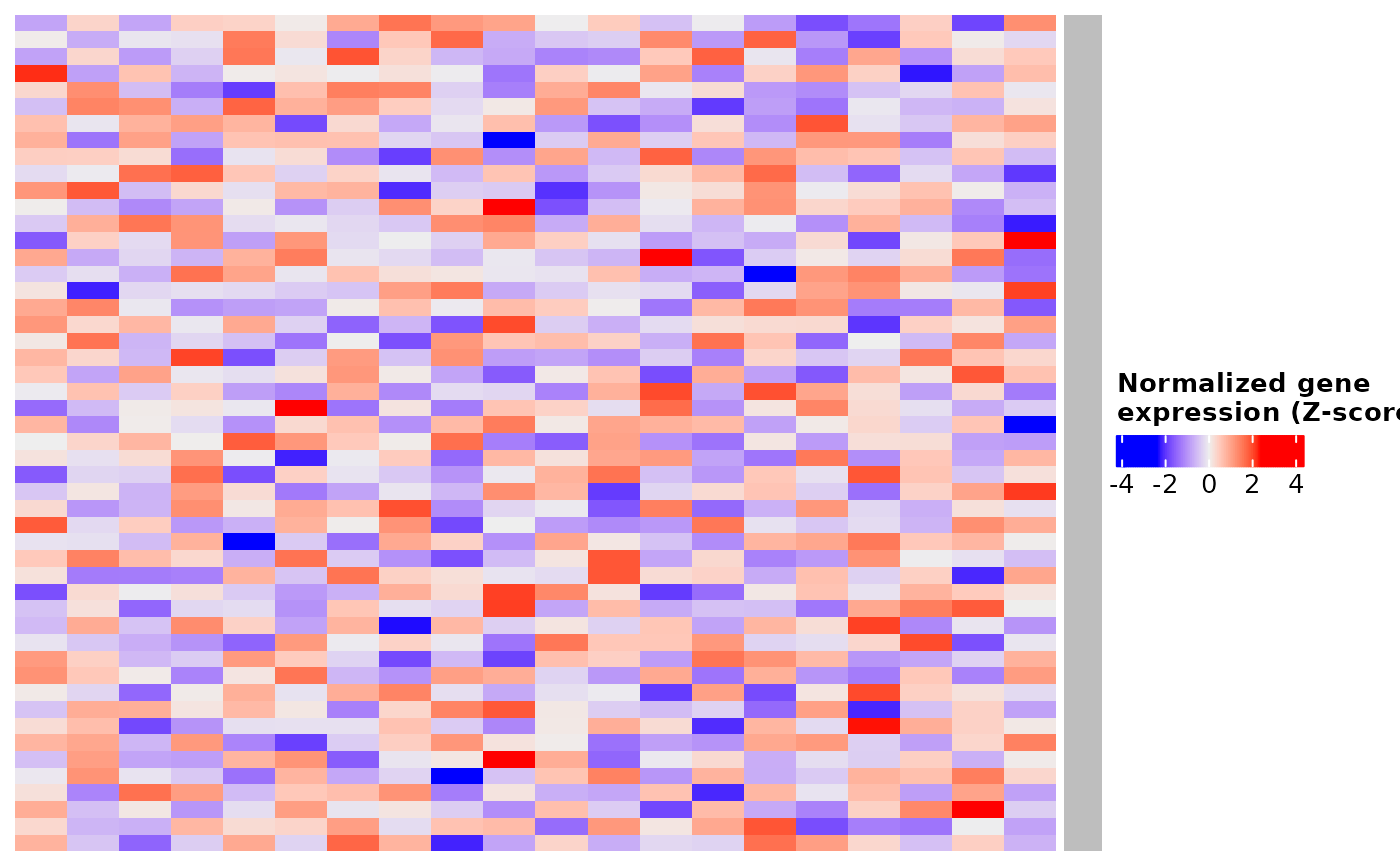
Generates a heatmap using the ComplexHeatmap package with a single-color row annotation. Designed to stack several heatmaps (for example, one per cell type) with consistent formatting.
Usage
create_heatmap(
  mat,
  color,
  split,
  common_names = rownames(mat),
  use_raster_flag = FALSE
)
Arguments
- mat
A numeric matrix representing the heatmap values (e.g., Z-scores).
- color
A character string specifying the annotation color (e.g.,
"black","gold1").- split
A factor, character vector or data frame used to split the columns of the heatmap.
NULLfor no split.- common_names
A character vector of row names, used to size the annotation. By default, the row names of
mat.- use_raster_flag
Logical. If
TRUE, rasterization is enabled for faster rendering of large matrices (requires the magick package and a working Cairo/X11 installation). DefaultFALSE.
Details
Requires the Bioconductor package ComplexHeatmap, which is not installed with GeneExprLupusMx. If it is missing, the function stops and shows how to install it:
install.packages("BiocManager")
BiocManager::install("ComplexHeatmap")
Note
Other packages (e.g., RplotterPkg and wilson) also have a
function called create_heatmap(). If you load one of them together
with GeneExprLupusMx, the one loaded last is used. To make sure you use
this one, call it as GeneExprLupusMx::create_heatmap().
Examples
if (requireNamespace("ComplexHeatmap", quietly = TRUE)) {
  # small simulated Z-score matrix: 50 genes x 20 samples
  # (with the lesson data: zscore_mat <- download_data("zscore_mat"))
  set.seed(1)
  mat <- t(scale(t(matrix(rnorm(50 * 20), nrow = 50))))
  ht <- create_heatmap(mat, color = "black", split = NULL)
  ComplexHeatmap::draw(ht)
}